
Your neck feels fine when you open your laptop. By the third video call, your shoulders are tight. By the time you close it, your lower back is sore. It’s easy to blame your stiff chair, but before you replace it, look at what happens between that first call and the end of the day.
How high is your screen? How far do you reach for the mouse? When did you last get up? A better chair can make work more comfortable, but screen height, reach, and how long you stay in one spot matter too.
What the research says about remote work and pain
A 2023 systematic review of 25 studies found mixed results on whether remote work increases muscle and joint symptoms. Workstation setup and how the workday was organized appeared to matter in some studies. The research doesn’t tell you whether your chair caused your pain, but it gives you more than one thing to evaluate about how you are working.
Look at your whole workday
A hybrid workweek in New York City can mean a monitor and keyboard in the office on Tuesday and a laptop at the kitchen table on Wednesday. At home, you also lose built-in movement like the walk to the subway or a few minutes walking between meeting rooms.
Pay attention to when discomfort starts. Does your neck feel worse after a long stretch of looking down at your laptop? Does your lower back feel better after a short walk? Does your shoulder get sore on home days but not in the office? Tracking that pattern is more useful than trying to hold one rigid position all day.
What you can try before buying a new chair
Start with the setup where you spend the most time. Try one or two changes for a few days and notice whether your symptoms ease by the end of the day.
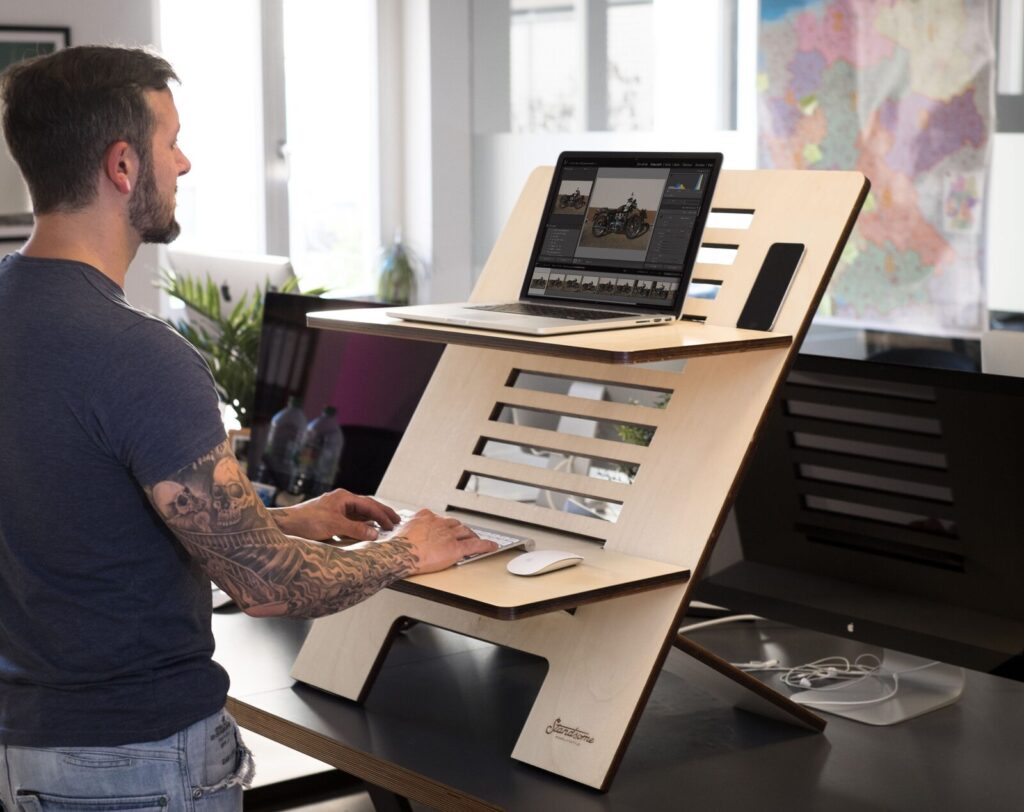
- Raise the laptop screen closer to eye level. Use a stand or a sturdy stack of books, and pair it with a separate keyboard and mouse so you can type without reaching forward.
- Keep your main screen straight ahead. If you use two monitors, place the one you look at most directly in front of you so your neck isn’t turned for hours.
- Adjust what you already sit on. If a dining chair leaves you slumping or reaching up toward the table, try a firm cushion for height or a rolled towel behind your lower back before buying new furniture.
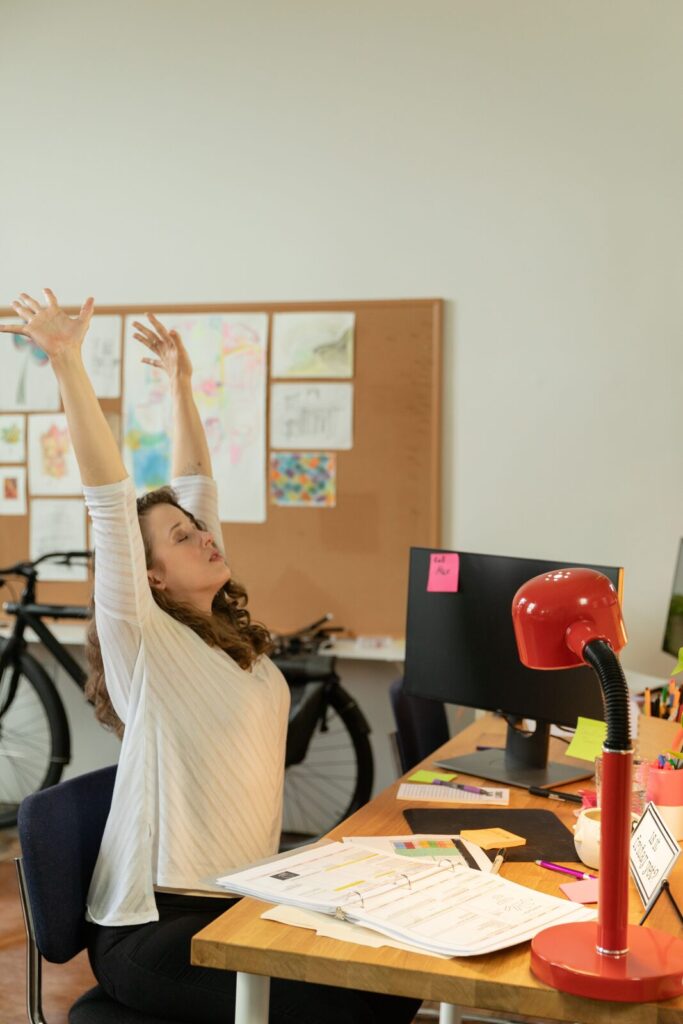
- Replace the movement you lose at home. Stand up between calls, take a short walk at lunch, or change positions before stiffness builds.
You don’t need an identical setup at home and in the office. Focus on one or two adjustments you can repeat in each place. If you’re looking for movement ideas, see our guide to posture exercises at home. Skip anything that makes your symptoms worse.
What an assessment can help you figure out
If discomfort keeps coming back, bring a photo of your home setup (and your office desk, if you work hybrid) along with a few notes about what makes symptoms better or worse. At Prestige Health & Wellness, we ask how symptoms affect your work, sleep, and activity. Depending on what you’re feeling, we may check how your neck, back, or shoulders move, test strength, or look for signs of nerve irritation.

Occupational therapy may fit when desk tasks such as typing or using a mouse are difficult. Physical therapy may fit when you need help rebuilding strength or returning to an activity. A provider can also assess whether chiropractic care makes sense for spine-related symptoms. The recommendation depends on what the exam finds.
When to get medical care
Seek emergency care if pain follows a serious accident or if back pain comes with new loss of bladder or bowel control or numbness around the groin. Get prompt medical advice for new or worsening weakness, fever with pain, or pain that becomes severe quickly. See MedlinePlus guidance on neck pain and NHS guidance on back pain.
Next steps
If you don’t have urgent symptoms, but discomfort keeps interrupting work, sleep, or exercise, you can schedule an assessment at one of our Manhattan locations. You don’t need to know whether the issue is your workstation, how long you sit, or something else before coming in.